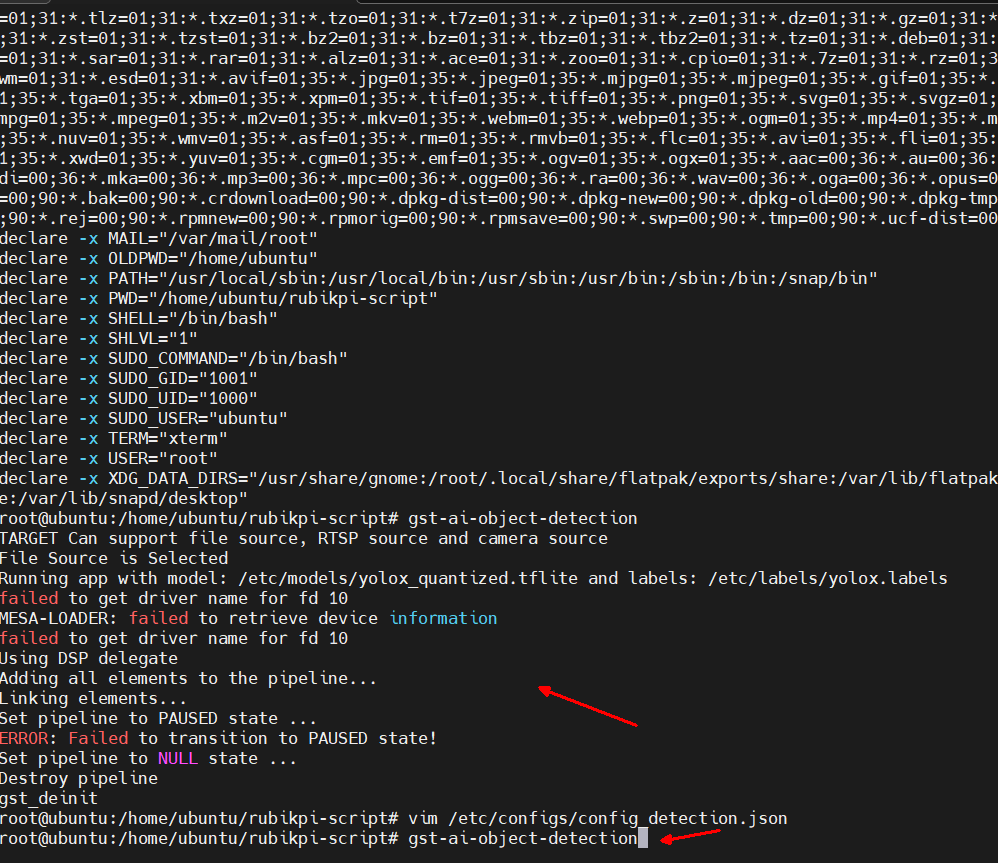
我在gst-ai-usb-camera-app也遇到了同样的问题
建议您确认是否安装qcom-video-firmware
你在配置时没有碰到 install_ppa_pkgs.sh - E: Unable to correct problems, you have held broken packages. · Issue #10 · rubikpi-ai/rubikpi-script这个问题吗
直接运行./install_ppa_pkgs.sh 是存在问题的,这个情况你可以按照教程立刻复现的
如果强行安装这个应用则会ubuntu@ubuntu:~/gst-plugins-qti-oss-1.0.r1.06800/gst-sample-apps/gst-ai-usb-camera-app/build$ sudo apt install qcom-video-firmware
Reading package lists… Done
Building dependency tree… Done
Reading state information… Done
The following packages were automatically installed and are no longer required:
python3-gst-1.0 python3-numpy python3-opencv qcom-camxcommon-qcs8300 qcom-camxcommon-qcs9100 qcom-libdiag
qcom-libqmi-framework qcom-sensing-hub qcom-sensors-core qcom-sensors-lookup qcom-sensors-registry
qcom-sensors-test-utils qcom-sensors-utils qcom-time-genoff
Use ‘sudo apt autoremove’ to remove them.
The following packages will be REMOVED:
gstreamer1.0-plugins-qcom gstreamer1.0-plugins-qcom-base gstreamer1.0-plugins-qcom-batch
gstreamer1.0-plugins-qcom-metamux gstreamer1.0-plugins-qcom-metatransform gstreamer1.0-plugins-qcom-mlaclassification
gstreamer1.0-plugins-qcom-mlaconverter gstreamer1.0-plugins-qcom-mldemux gstreamer1.0-plugins-qcom-mlmetaextractor
gstreamer1.0-plugins-qcom-mlmetaparser gstreamer1.0-plugins-qcom-mlpostprocess gstreamer1.0-plugins-qcom-mlqnn
gstreamer1.0-plugins-qcom-mlsnpe gstreamer1.0-plugins-qcom-mltflite gstreamer1.0-plugins-qcom-mlvclassification
gstreamer1.0-plugins-qcom-mlvconverter gstreamer1.0-plugins-qcom-mlvdetection gstreamer1.0-plugins-qcom-mlvpose
gstreamer1.0-plugins-qcom-mlvsegmentation gstreamer1.0-plugins-qcom-mlvsuperresolution
gstreamer1.0-plugins-qcom-msgbroker gstreamer1.0-plugins-qcom-objtracker gstreamer1.0-plugins-qcom-qmmfsrc
gstreamer1.0-plugins-qcom-redissink gstreamer1.0-plugins-qcom-restricted-zone gstreamer1.0-plugins-qcom-rtspbin
gstreamer1.0-plugins-qcom-smartvencbin gstreamer1.0-plugins-qcom-socket gstreamer1.0-plugins-qcom-vcomposer
gstreamer1.0-plugins-qcom-videotemplate gstreamer1.0-plugins-qcom-voverlay gstreamer1.0-plugins-qcom-vsplit
gstreamer1.0-plugins-qcom-vtransform gstreamer1.0-qcom-python-examples gstreamer1.0-qcom-sample-apps
gstreamer1.0-qcom-sample-apps-utils libgstreamer1.0-qcom-sample-apps-utils-dev libqmmf-dev libqmmf1 libqmmf1-qcm6490
libqmmf1-qcs8300 libqmmf1-qcs9100 libqnn-dev libqnn1 libsnpe-dev libsnpe1 linux-firmware-dragonwing qcom-camera-server
qcom-camx qcom-camx-qcm6490 qcom-camx-qcs8300 qcom-camx-qcs9100 qcom-camxlib-qcm6490 qcom-camxlib-qcs8300
qcom-camxlib-qcs9100 qcom-chicdk-qcm6490 qcom-chicdk-qcs8300 qcom-chicdk-qcs9100 qcom-fastcv-binaries-dev
qcom-fastcv-binaries1 qcom-fastrpc-dev qcom-fastrpc1 qcom-sensors-api qcom-sensors-services qcom-sensors-test-apps
qcom-sensors-test-core qcom-video-ctrl-dev qcom-video-ctrl1 qnn-tools snpe-tools
The following NEW packages will be installed:
qcom-video-firmware
0 upgraded, 1 newly installed, 70 to remove and 1 not upgraded.
Need to get 1209 kB of archives.
After this operation, 2522 MB disk space will be freed.
Do you want to continue? [Y/n]

没喔,怎么安装?install_ppa_pkgs.sh 已经调过一次了
我们这边目前测试未复现该问题。
若您使用的是最新的 Ubuntu 版本,且安装了 linux-firmware-dragonwing,建议移除并安装 qcom-video-firmware。若在安装过程中涉及其他包,建议寻找“可同时保留”的解决方案,或按需单独安装。
我们这边测试验证过,qcom-video-firmware 与 libqnn1、qnn-tools、libsnpe-dev、qcom-fastrpc1 等库/工具可以兼容并正常使用。
另外,您也可以考虑重新烧写后,运行 install_ppa_pkgs.sh 脚本进行环境安装;该脚本默认会安装 qcom-video-firmware。
若已经安装了 linux-firmware-dragonwing, 可以参考下列命令
sudo apt update
sudo apt remove linux-firmware-dragonwing
sudo apt install qcom-video-firmware
我们已复现该问题,Canonical 正在调查,若有进展会立即更新上来
该问题有解决办法了吗?
我后来一个个安装,就可以了,你要不试试?但可以肯定的是那个脚本有问题的,看了下ubuntu-desktop版是直接忽略安装的
脚本已做修改,您可以使用 apt 更新到最新后再做测试
我更新后确实不报组件冲突了,但执行gst-ai-usb-camera-app报错log如下
ubuntu@ubuntu:~$ gst-ai-usb-camera-app
open USB camera device: /dev/video0
ID_V4L_CAPABILITIES=: uvcvideoopen /dev/video0 successful
Width : 1280
Height : 720
Frame Rate : 30
Selected Video Format : MJPEG
Output File Name : /etc/media/output.mp4
Ip Address : 127.0.0.1
Port Number : 8900
yolo-model-type : yolox
ml-framework : tflite
model_path : /etc/models/yolox_quantized.tflite
threshold : 75.000000
delegate : dsp
Running app with model: /etc/models/yolox_quantized.tflite and labels: /etc/labels/yolox.labels
failed to get driver name for fd 8
MESA-LOADER: failed to retrieve device information
failed to get driver name for fd 8
Using DSP delegate with TFLITE
delegate : 2
Module yolox is not available in qtimlvdetection, fallback to yolov8
Adding all elements to the pipeline…
Linking elements…
Set pipeline to PAUSED state …
ERROR: Failed to transition to PAUSED state!
Set pipeline to NULL state …
Destroy pipeline
gst_deinit
ubuntu@ubuntu:~$
故重新刷了固件,但hdmi没有输出,串口控制台则是正常的
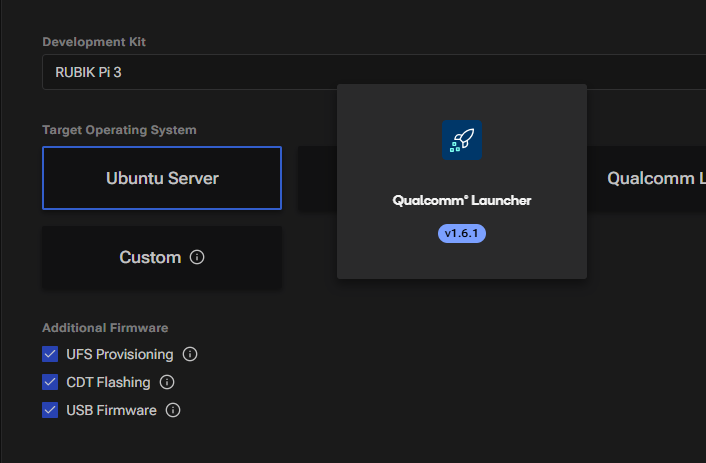
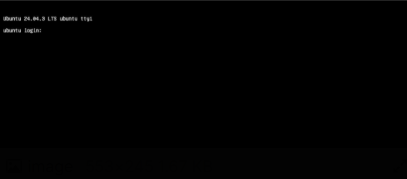
Ubuntu Server版本烧写完成后,hdmi输出应该是这样的
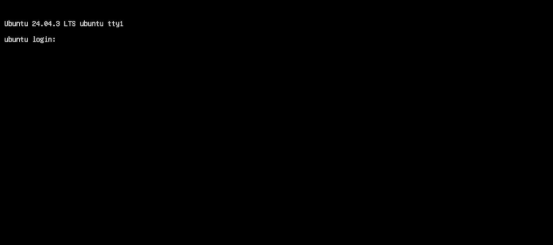
请问您那边连接hdmi是完全黑屏没有输出吗?
或者您的需求是显示下图界面?
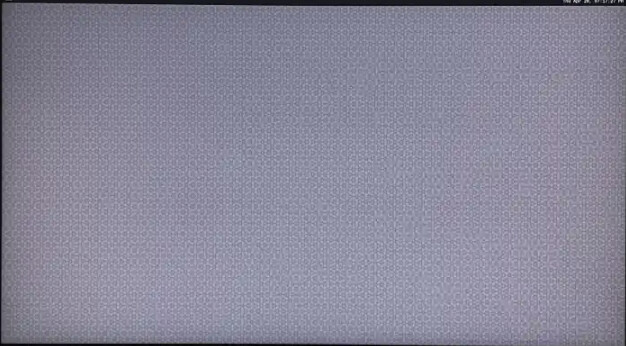
此界面需要在执行脚本后运行命令
sudo apt upgrade firmware-qcom-hlosfw
sudo apt upgrade qcom-iot-defaults
调试工具测试时可以正常显示彩条测试图

请问烧写完成并重启后,hdmi是完全黑屏吗?可以分享一下 显示器/屏幕 的分辨率和品牌吗?
请分享一份设备连接 hdmi 时的完整dmesg log。
在串口界面运行下列命令
dmesg > dmesg_log.txt