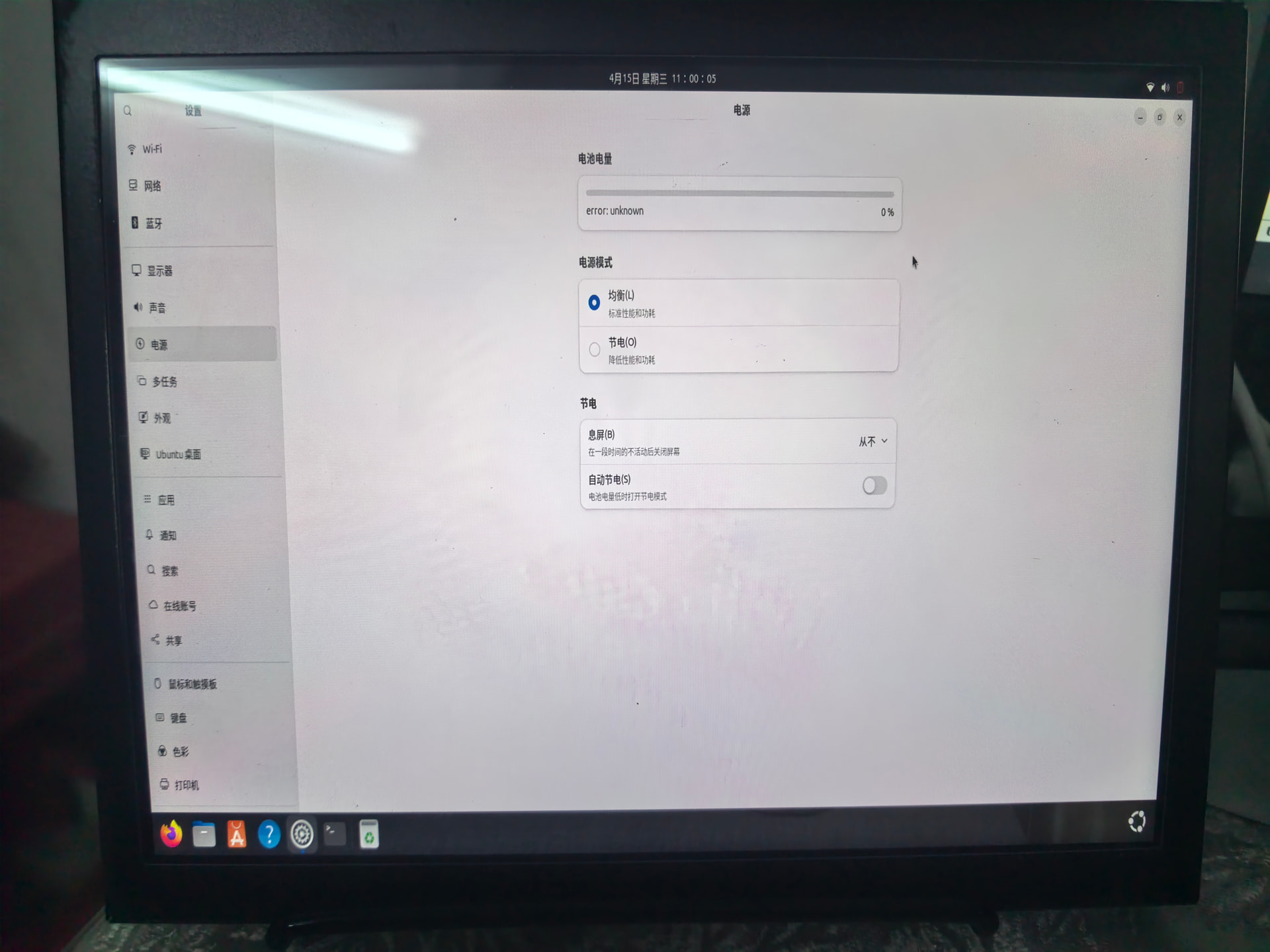
1、电源 error:unknown错误(详见图1)
2、无法使用type-c的dp输出,只能使用HDMI输出(更新之前还能使用)
3、根据网上的信息,查询了驱动已经内核,如下:
ubuntu@ubuntu:~$ ls /sys/class/typec/
ubuntu@ubuntu:~$ sudo modprobe typec
sudo modprobe ucsi
sudo modprobe qcom_pmic_typec
modprobe: FATAL: Module ucsi not found in directory /lib/modules/6.8.0-1068-qcom
modprobe: FATAL: Module qcom_pmic_typec not found in directory /lib/modules/6.8.0-1068-qcom
ubuntu@ubuntu:~$ ls /boot
config-6.8.0-1055-qcom efi initrd.img initrd.img-6.8.0-1068-qcom System.map-6.8.0-1055-qcom vmlinuz vmlinuz-6.8.0-1068-qcom
config-6.8.0-1068-qcom grub initrd.img-6.8.0-1055-qcom initrd.img.old System.map-6.8.0-1068-qcom vmlinuz-6.8.0-1055-qcom vmlinuz.old
ubuntu@ubuntu:~$ ^C
ubuntu@ubuntu:~$ sudo update-grub
Sourcing file /etc/default/grub' Sourcing file /etc/default/grub.d/99-qcom-iot-defaults.cfg’
Generating grub configuration file …
Found linux image: /boot/vmlinuz-6.8.0-1068-qcom
Found initrd image: /boot/initrd.img-6.8.0-1068-qcom
Found linux image: /boot/vmlinuz-6.8.0-1055-qcom
Found initrd image: /boot/initrd.img-6.8.0-1055-qcom
Warning: os-prober will not be executed to detect other bootable partitions.
Systems on them will not be added to the GRUB boot configuration.
Check GRUB_DISABLE_OS_PROBER documentation entry.
Adding boot menu entry for UEFI Firmware Settings …
done
ubuntu@ubuntu:~$ sudo reboot
Broadcast message from root@ubuntu on pts/1 (Wed 2026-04-15 11:15:14 CST):
The system will reboot now!
ubuntu@ubuntu:~$